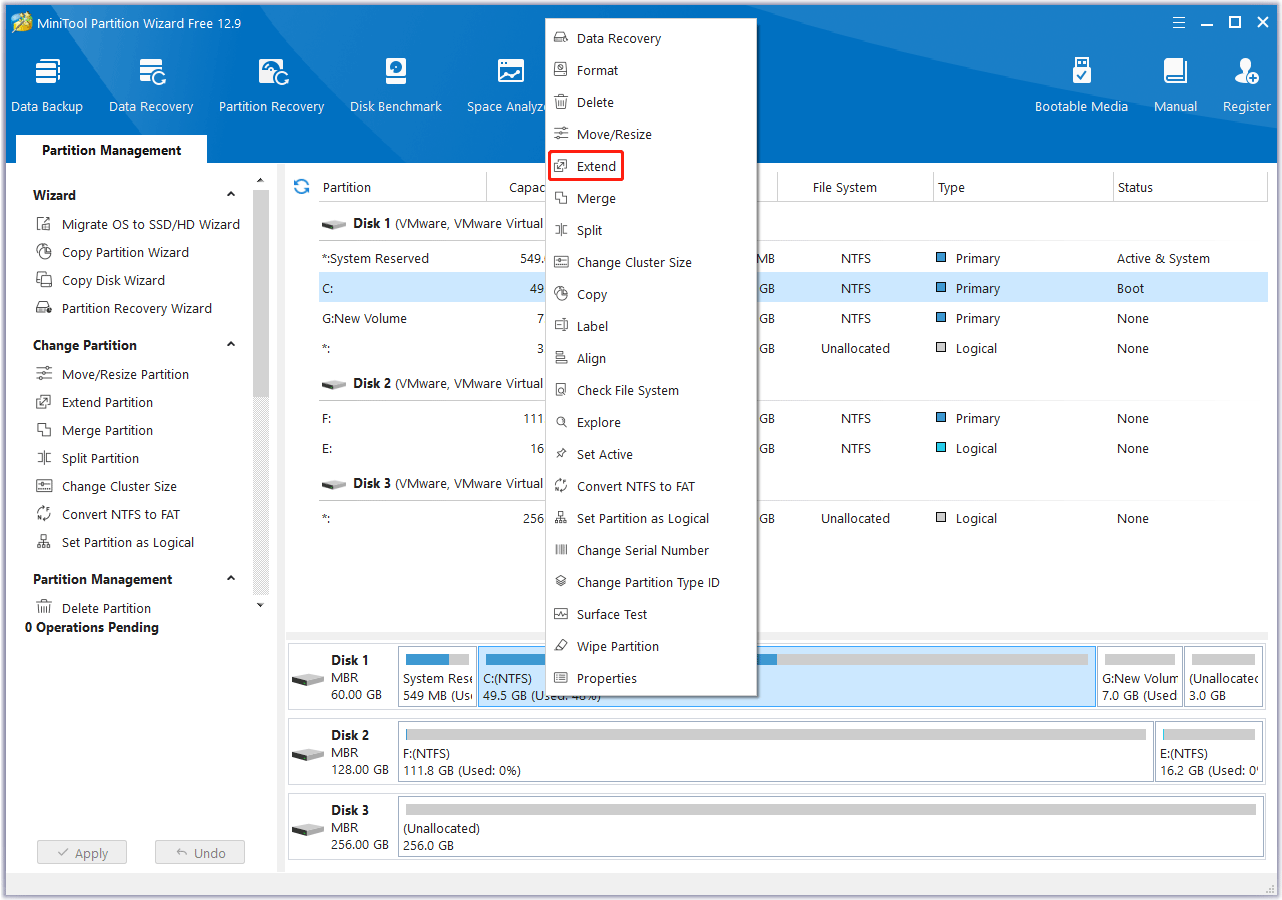
Resize the Windows system partition without guessing
Contiguous free space, shrink direction, recovery partitions, and why extend stays greyed out — plan the map before you move sliders.
Continue reading ↓ Disk layout hub
Blogs
Each post is a standalone page with room for nuance — open the one that matches your scenario. Educational hub only: confirm steps against vendor docs, backups, and your OS edition.
Contiguous free space, shrink direction, recovery partitions, and why extend stays greyed out — plan the map before you move sliders.
Continue reading ↓
Understand firmware boot modes, partition limits, and why conversion is a migration, not a toggle.
Continue reading ↓
Plan hidden partitions, alignment, and first boot on the new drive before you erase the old one.
Continue reading ↓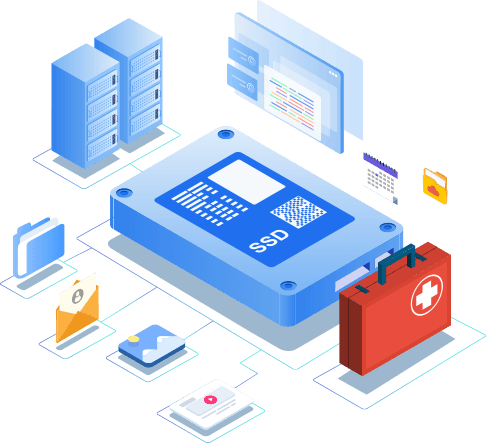
Triage WinSxS myths, move bulky data safely, and know when extending is better than deleting blindly.
Continue reading ↓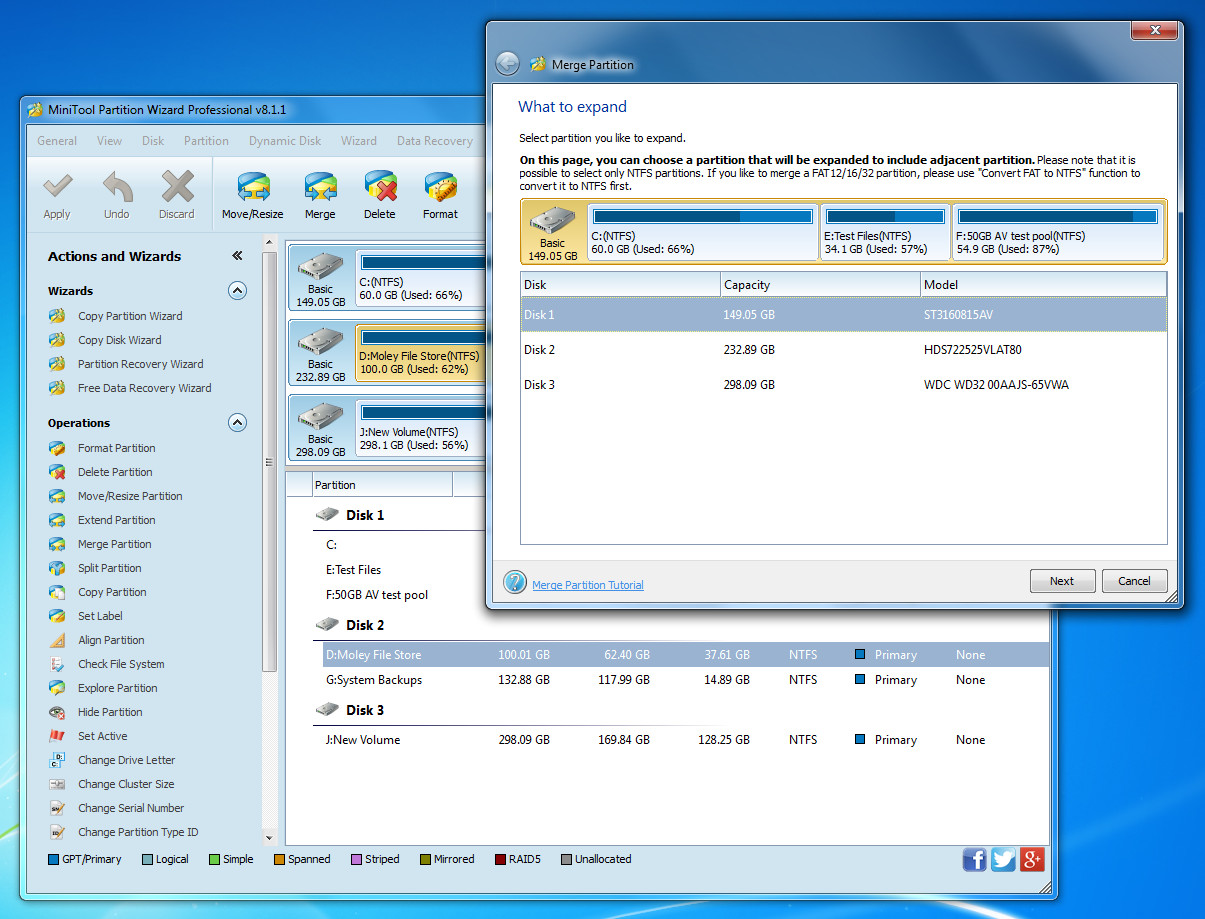
Adjacent volumes, NTFS expectations, and why backups still matter for in-place merges.
Continue reading ↓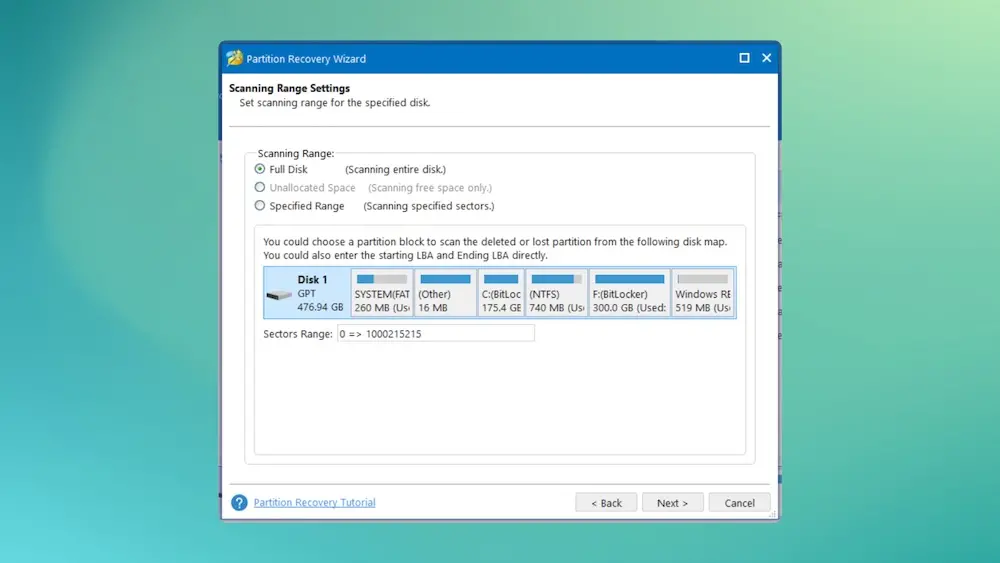
Stop writes, scan carefully, and interpret results before formatting away a recoverable layout.
Continue reading ↓