
Recovery rewards patience and read-only discipline
Deleting a partition marks metadata as free; data may linger until overwritten. Your first actions decide what remains recoverable. Educational only — pair scans with a full-disk backup plan when the data matters.
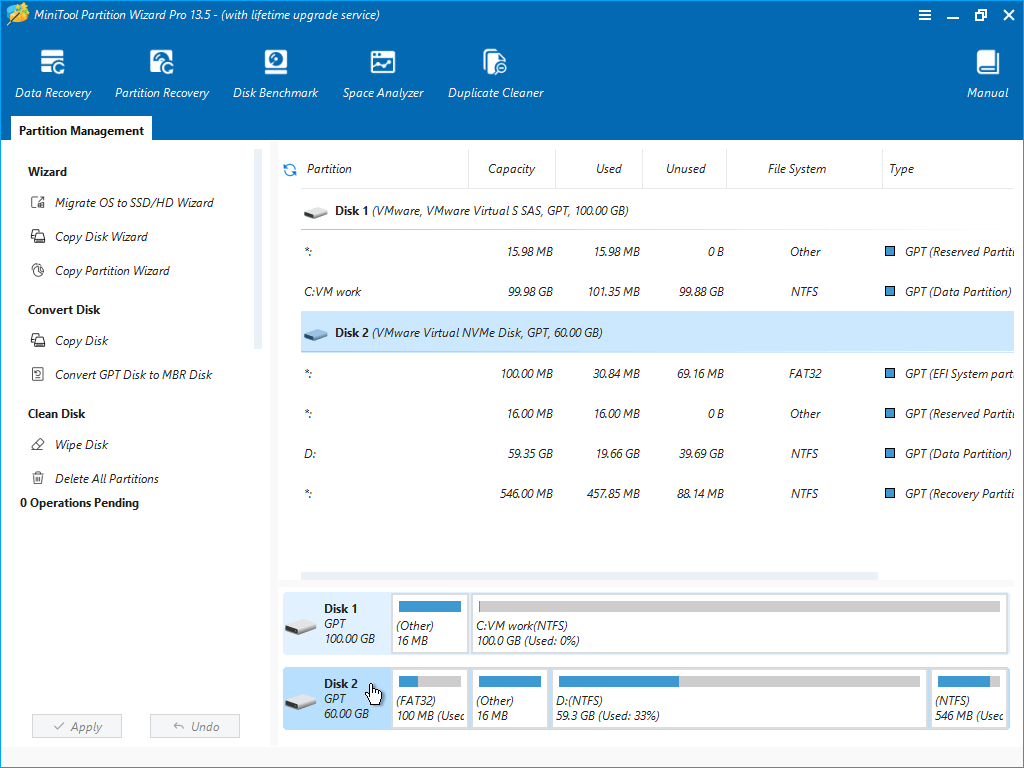
Stop using the affected disk
Detach external drives if needed. Do not create new partitions on the empty space until you understand scan results — creation can overwrite remnants.
Run a partition scan
Use the recovery-oriented tools your edition provides. Quick scans may miss deep issues; full scans take time but map more candidates.
Validate before committing
Mount recovered volumes read-only if possible. Spot-check folders. If filenames look garbled, deeper forensic help may be required.
If recovery fails
Restore from backup beats guessing. Treat professional recovery labs as the path for valuable data on failing hardware.