Field notes
Typical situations readers describe
These are composite scenarios based on common support threads and forum posts. They are not testimonials — they are patterns you can compare to your own machine.
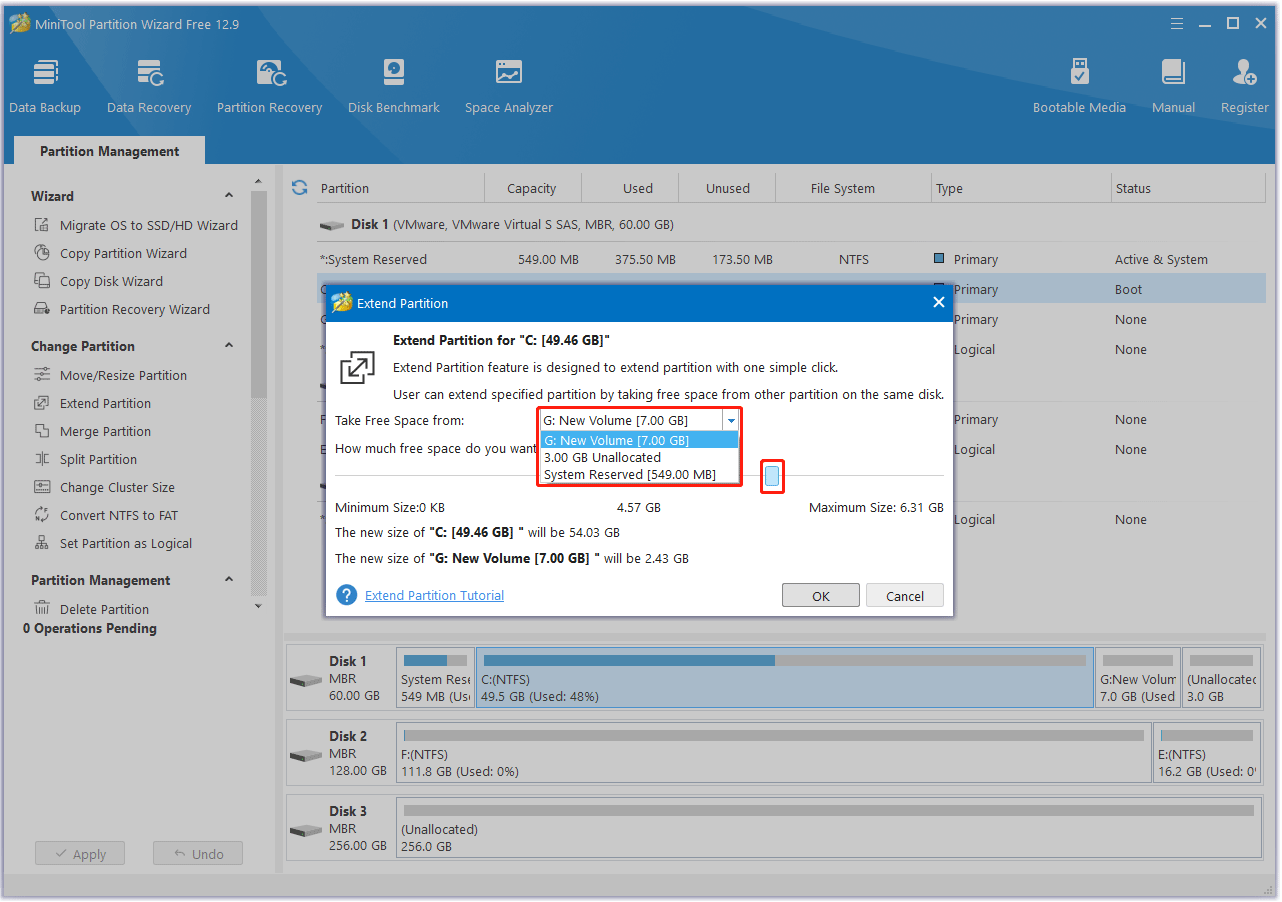
C: is full but D: has space
You install games and dev tools on C: until updates refuse to run. Moving space from another volume is tempting — first capture backups, then shrink the donor partition from the correct side, then extend C: with contiguous free space.
Resize C: partition guide
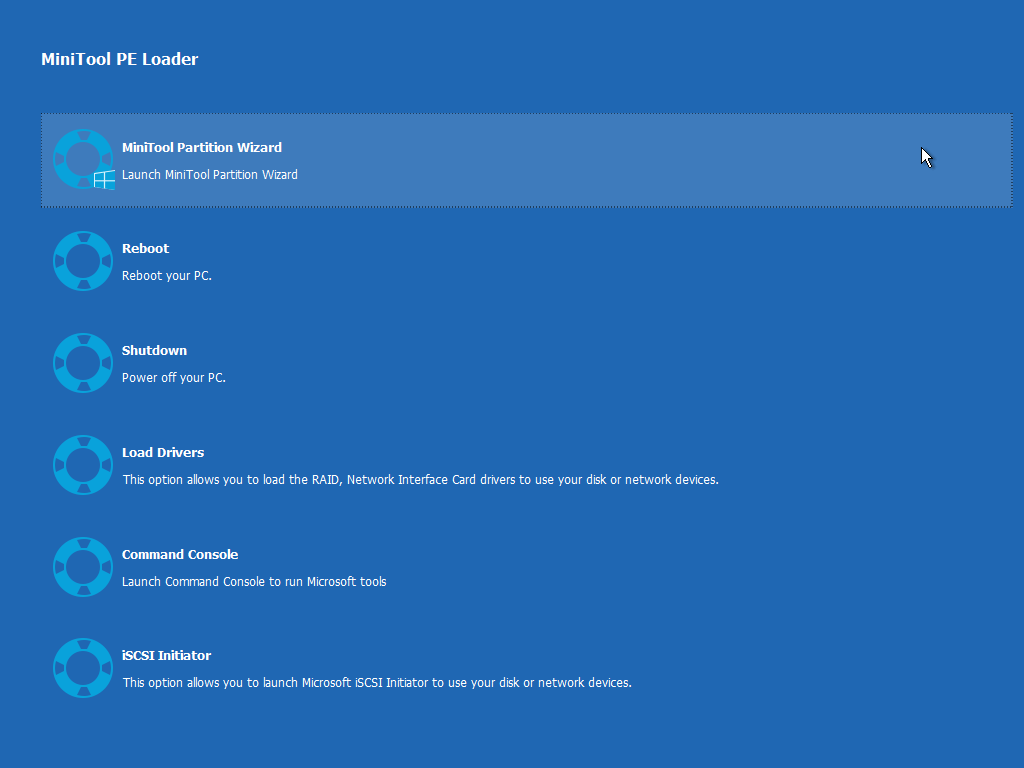
Clone before swapping laptops
You want the new SSD to boot identically. Disk clone workflows differ from file copy: hidden recovery partitions and EFI system partitions matter. Verify boot order and firmware settings after the clone.
Clone disk overview guide
Partition missing after a bad cable
External drives that disconnect under load can leave file systems inconsistent. After hardware is stable, scan the disk, avoid writing new data on the affected volume, and explore recovery options before reformatting.
Recover lost partition guide
Home·Features
