
Merge is not magic glue — it is geometry plus file system rules
Tools can combine volumes when layouts allow. Read the wizard constraints and assume power loss is always possible. Educational only — take a fresh image backup before merges that touch live data volumes.
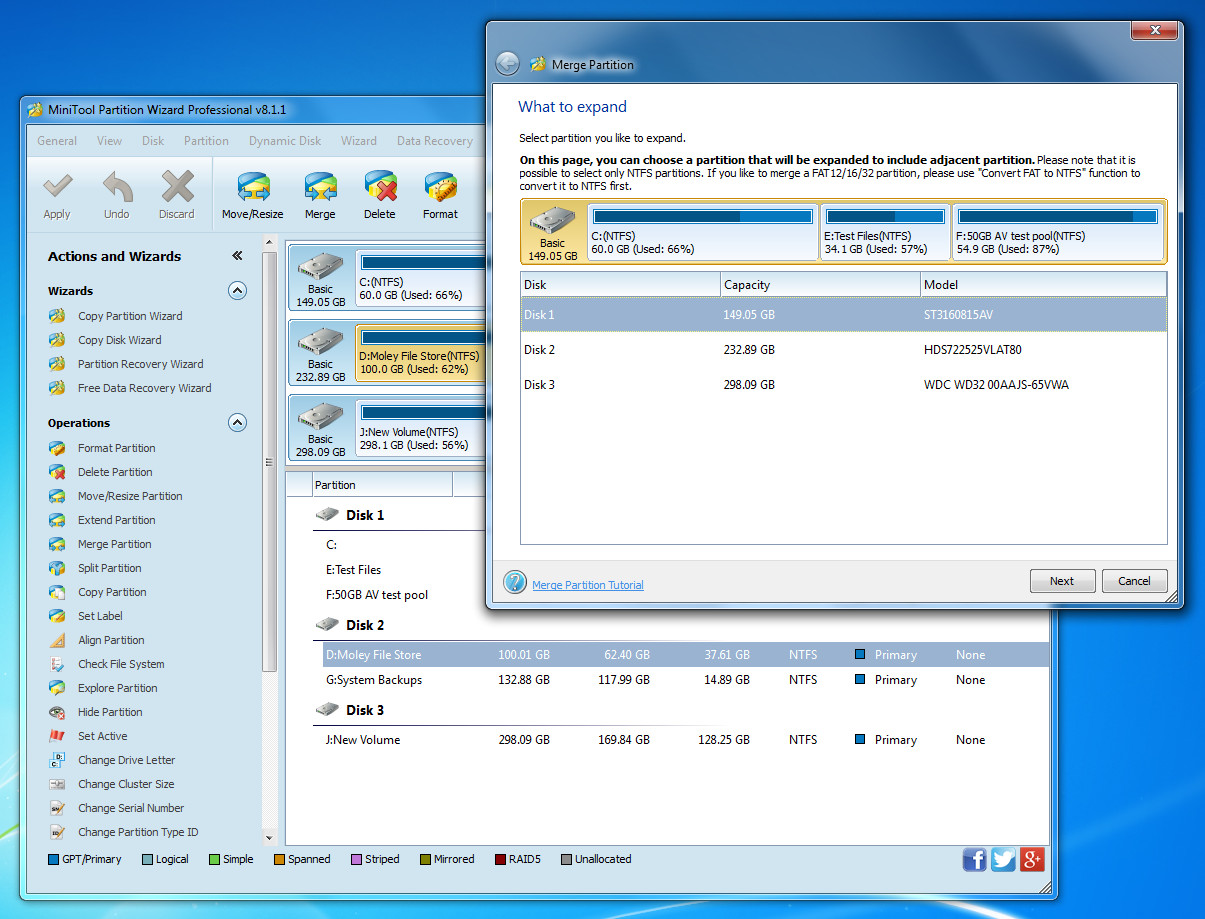
Check adjacency
Only certain neighbor pairs can merge without intermediate moves. Visualize left-to-right order on the disk map before queueing operations.
Expect time at scale
Large merges read and rewrite a lot of metadata. Keep power stable and avoid putting the laptop to sleep.
After merge checks
Verify chkdsk is happy, open sample files across directories, and confirm restore points still work. Revisit backup jobs if drive letters changed.
When not to merge
If the goal is only free space, sometimes deleting an unused volume or moving data is simpler than merging active volumes.